Quality matters more here
Tech items are used constantly, and when they fail, people remember who gave them out. A weak cable or a flimsy stand does your brand no good. So with tech accessories, spend a little more care on the choice, and think about the product first and the print second.
A good tech giveaway is something a person reaches for every day and never thinks about. A bad one is something they curse at, and put in a drawer.
Pick items that solve a daily problem
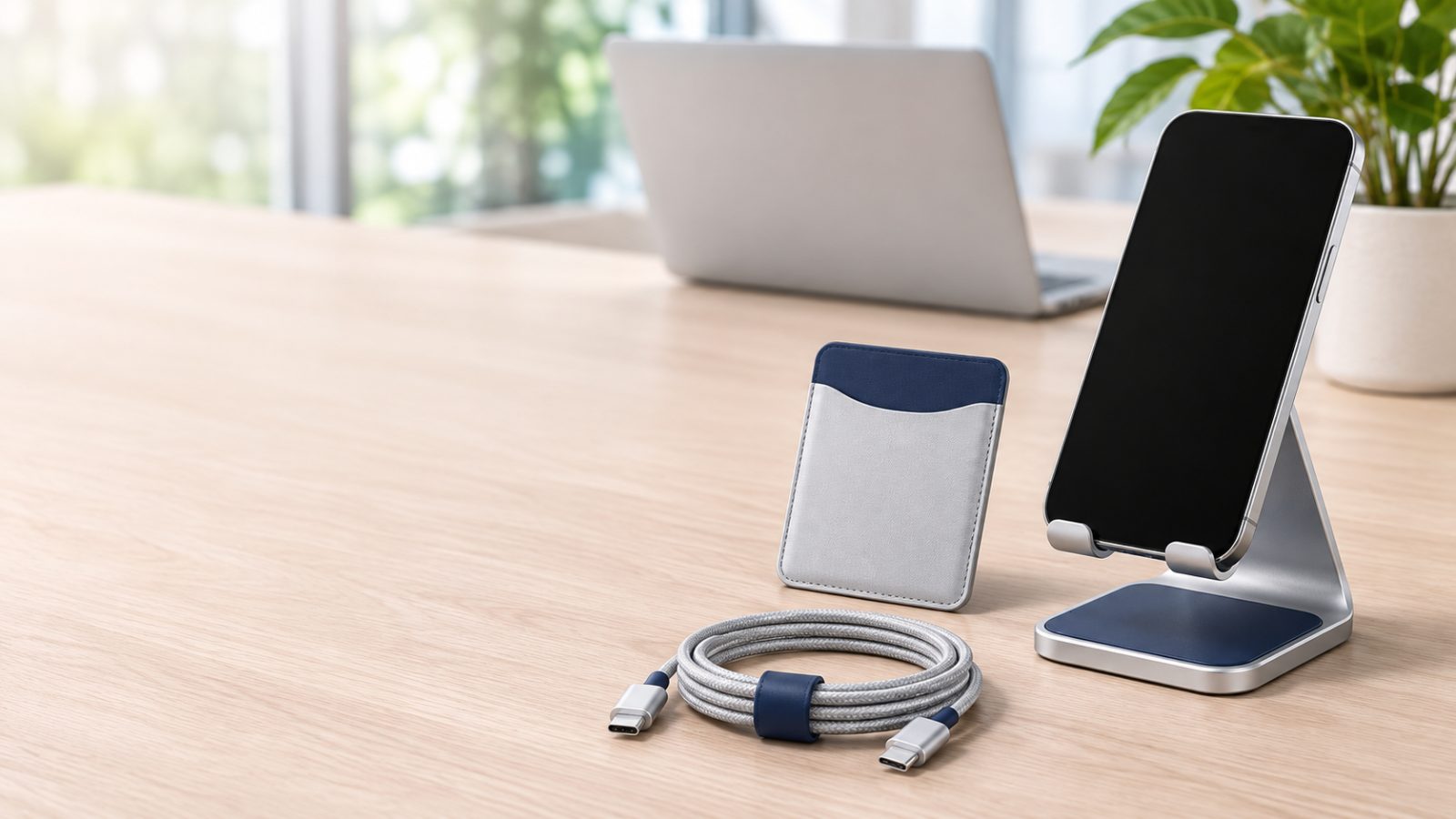
Phone stands and holders sit on a desk or a counter and get used every day. They are seen by everyone who walks by, and they hold your logo at eye level.
Card holders that stick to the back of a phone are small, popular and inexpensive. They are used every time someone pays or scans a badge, and they sit on an object that is held many times a day.
Cables and charging items solve a problem everyone has. They are practical, and a good one earns a place in the bag.
Think about who you are giving them to. Office staff, travelers and students use different things, and a gift that fits the person is a gift that is used.
Read the product page closely
Check the description and the size before you order. For items that connect to a phone or a computer, make sure the connectors suit the devices your customers use. If you are unsure, ask us before you order, and we will help you pick.
Look at the material and the build. Tech items are handled and dropped, so sturdiness matters.
Fitting the logo
The imprint area on tech accessories is often small and sometimes curved or textured. A short, simple mark prints better than a detailed logo. Check the imprint area on the product page and compare it with your artwork.
Send your logo as a vector file if you have one (AI, EPS, SVG or PDF), otherwise the largest PNG you can find. The free e-proof shows exactly how it will look, so look closely at the edges and the small details.
Packaging and how it is given
Think about how the items will be given out: loose in a bag, in a mailer, on a table at a booth or in a welcome kit. A phone stand in a gift bag looks like a gift. A loose cable on a table looks like an afterthought. The way you present it changes how people feel about it.
How many to order
Tech items usually cost more per piece than paper or plastic ones, so it pays to choose the quantity carefully. Count the people you want to reach, and think about whether the item is for everyone or only for key contacts.
Look at the price breaks on each product page. The price per item falls at each level, and each item has its own minimum. If you are close to the next break, ordering a little more often lowers the price on every piece.
Mistakes to avoid
Choosing on price alone. A cheap item that fails costs more in reputation than it saves.
Ignoring compatibility. Make sure it works with the devices your customers use.
Printing too much. A simple logo reads better on a small, curved surface.
Leaving it late. If you need the items by a date, choose a hard in-hands date at checkout.
How ordering works here
Choose the item and set the quantity. At the cart you add your logo, give the job a name, and confirm your email with a six-digit code. There is no password to remember.
At checkout you give the delivery address, choose a standard order or a hard in-hands date, pick a shipping speed and pay. You then receive a free e-proof, nothing prints until you approve it, and you can cancel for a full refund before you do.
Questions we hear
What file should I send? We accept AI, EPS, PDF, SVG and PNG. Vector files print best.
Can I check stock before ordering? Yes. Every product page shows live stock counts.
What if I am not sure which one to pick? Ask us, and we will help you choose.
Ready to look?
Browse our Tech category to see what is in stock, and add your logo at the cart.